
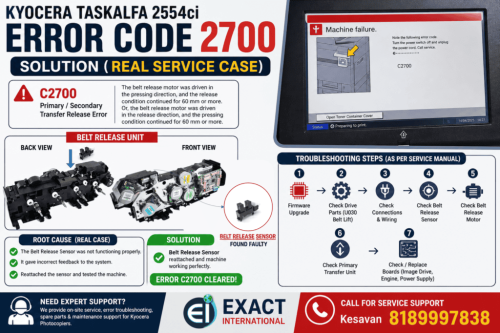
If you’re facing Kyocera Error Code 2700 on your Kyocera Taskalfa 2554ci, this guide will help you diagnose and fix the issue based on a real service experience.
Recently, I encountered this error at a customer location, and after following the service manual step-by-step, I was able to identify and resolve the exact cause. Here’s everything you need to know.
What is Kyocera Error Code 2700?
Error Code C2700: Primary / Secondary Transfer Release Error
This error occurs when:
- The belt release motor fails to switch properly between pressing and release positions
- The system detects an abnormal condition for more than 60 mm movement
In simple terms, the machine is unable to correctly control the transfer belt mechanism.
Possible Causes of C2700 Error
According to the service manual, the issue can be caused by:
- Firmware problems
- Faulty belt release motor
- Damaged or disconnected wiring
- Belt release sensor issues
- Image drive board failure
- Power supply or engine board faults
- Mechanical drive issues in the transfer unit
Step-by-Step Troubleshooting (Based on Service Manual)
Here’s how I approached the problem:
1. Firmware Check
First, verify if the firmware is up to date.
If outdated, upgrade to the latest version.
2. Check Belt Release Motor Drive
- Run U030 (Belt Lift Mode)
- Observe whether the motor movement is transmitted properly
If not, inspect gears and drive transmission.
3. Inspect Wiring & Connectors
Carefully check connections between:
- Belt release motor → Image drive PWB
- Belt release sensor → Image drive PWB
- Image drive PWB → Engine PWB
- Image drive PWB → Power supply
Clean connectors and ensure proper continuity.
4. Check Belt Release Sensor
- Remove the main drive unit
- Inspect if the sensor is:
- Loose
- Misaligned
- Faulty
Reattach or replace if needed.
5. Check Belt Release Motor
- Confirm motor operation
Replace if not functioning correctly.
6. Replace Primary Transfer Unit
If mechanical lift mechanism is faulty, replace the unit.
7–9. Board Replacement (Advanced)
If all above steps fail:
- Replace Image Drive PWB
- Replace Engine PWB
- Replace Power Supply PWB
Real Fix (My Experience)
After going through all the above steps at the customer site, I found that:
The actual issue was with the Belt Release Sensor
- The sensor was not properly functioning
- It caused incorrect feedback to the system
- Resulting in continuous error C2700
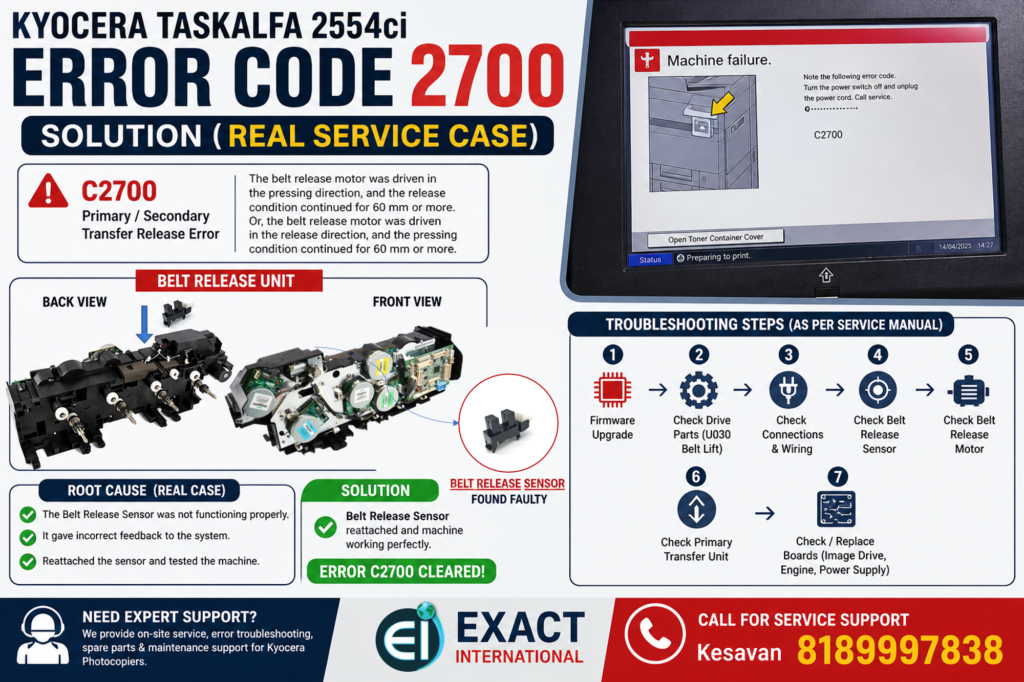
Final Solution:
- Removed the main drive unit
- Reattached and corrected the belt release sensor
- Tested the machine
Error cleared successfully
Machine returned to normal operation
Pro Tips for Technicians
- Don’t jump directly to board replacement (costly mistake)
- Always start with sensor and wiring checks
- Use service modes like U030 effectively
- Mechanical alignment issues are very common in this error
- Replace Engine PWB
- Replace Power Supply PWB
Need Help? Contact Expert Support
If you’re still facing this issue or need professional service support:
Exact International
Kesavan – 8189997838
YouTube – EXACT MFD INFO
We provide:
- On-site Kyocera service
- Error code troubleshooting
- Spare parts & maintenance support
