
- All Posts
- Blog
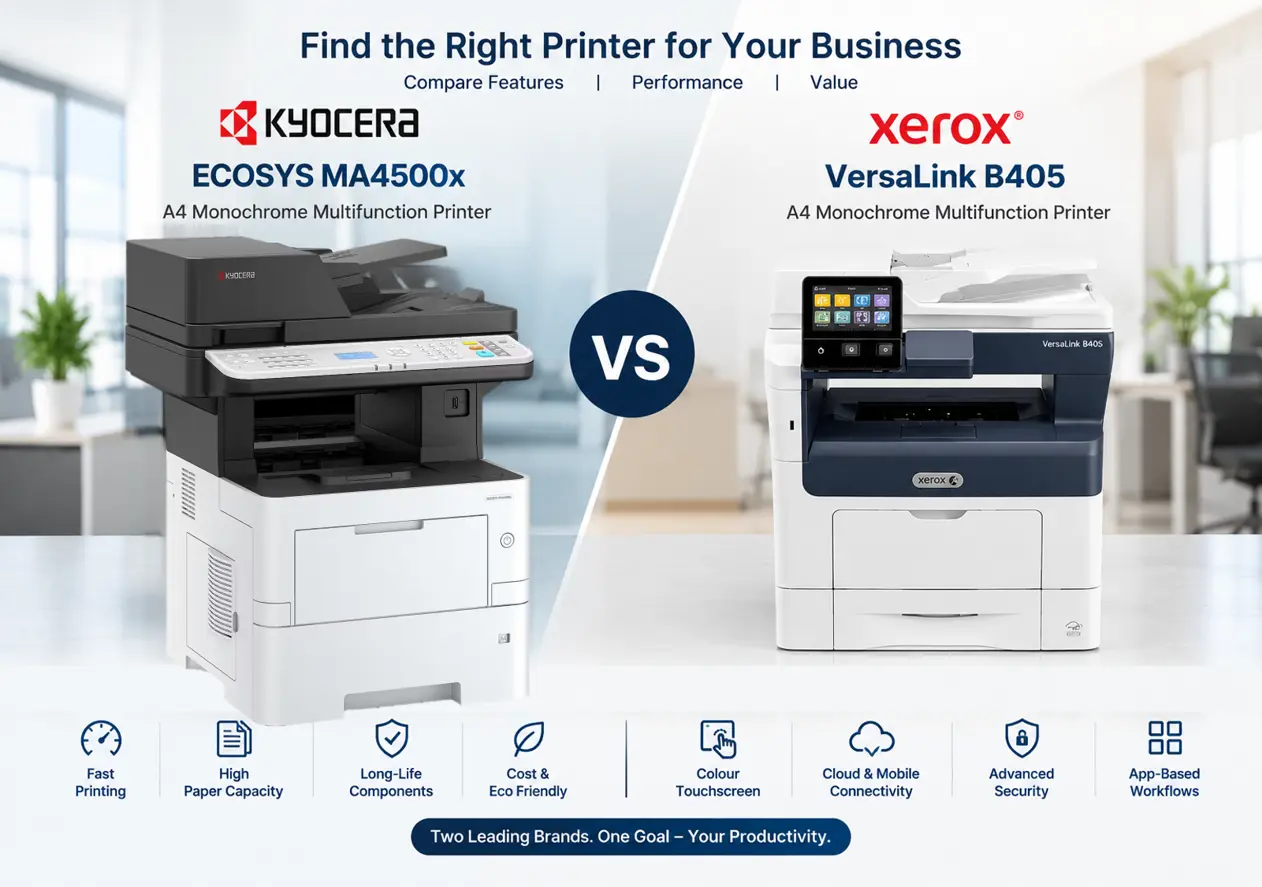
Kyocera ECOSYS MA4500x vs Xerox VersaLink B405: Which Is Better? Choosing the right office printer is important for improving productivity, managing printing costs, and maintaining a smooth document workflow. Two models worth comparing are the Kyocera ECOSYS MA4500x and the Xerox VersaLink B405. Both are A4 monochrome multifunction printers designed for business environments that require fast, reliable black-and-white document printing. However, they differ in their user interface, paper-handling options, document workflow features, and consumable configurations. In this...
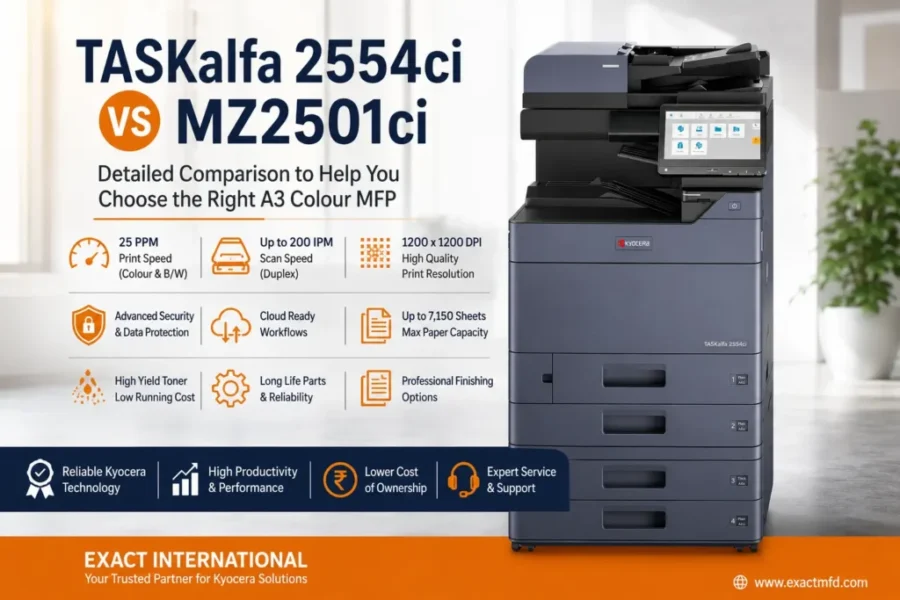
TASKalfa 2554ci vs MZ2501ci | Exact International Photocopier Comparison Guide Two proven A3 colour engines. One important decision. Both machines are rated at 25 ppm in colour and black & white. The difference is in what sits underneath — storage, security, toner economics and how ready each platform is for cloud-connected document workflows. Here’s the full spec-by-spec breakdown. Evolution Series TASKalfa 2554ci Reliable, productivity-focused colour MFP Print speed25 ppm colour / B&W Standard SSD32 GB Toner yield25K...
How to Configure Scan to PC (Scan to SMB) on Photocopier Machines – Complete Setup Guide If your photocopier supports Scan to SMB (Scan to Folder), you can scan documents directly to a shared folder on your Windows computer without using a USB drive. This guide explains the basic configuration process used on most multifunction photocopier brands, including Kyocera, Canon, Konica Minolta, Ricoh, HP, and Xerox. Although menu names may differ slightly, the overall setup process is...
Kyocera Error Code C2700 – TASKalfa 2554ci Solution If you’re facing Kyocera Error Code 2700 on your Kyocera TASKalfa 2554ci, this guide will help you diagnose and fix the issue based on a real service experience. Recently, I encountered this error at a customer location, and after following the service manual step-by-step, I was able to identify and resolve the exact cause. Here’s everything you need to know. Quick Answer: C2700 means the machine cannot correctly control...
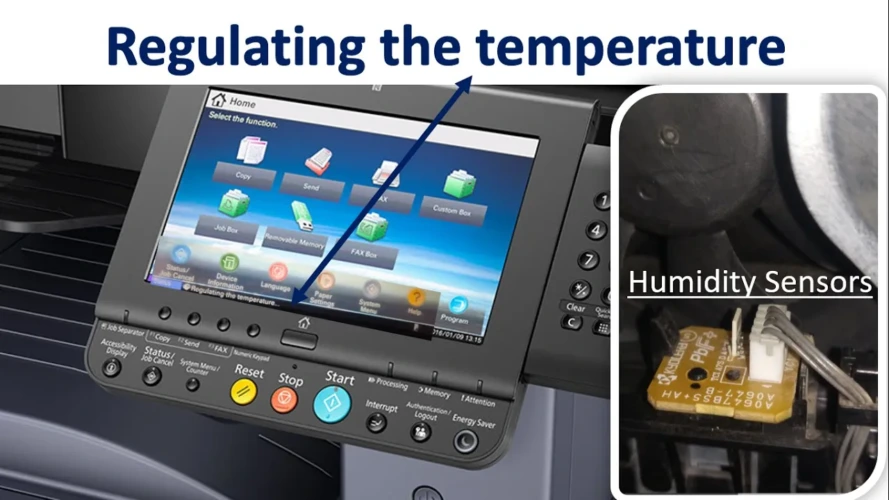
Kyocera 3212i Regulating the Temperature Error – Causes & Solution The Kyocera TASKalfa 3212i is one of the most reliable A3 multifunction machines used across offices in Tamil Nadu. However, in some locations—especially during peak summer—users may encounter the “Regulating the Temperature” error. This issue can suddenly stop printing operations and affect productivity. In this article, we explain the causes, operating conditions, and safe solution approach for this error. Quick Answer: This error comes from the fuser...
How to Save Toner in Photocopiers – Tips to Increase Toner Life Toner is one of the biggest running costs of any photocopier or printer. The good news is that a few simple habits can help you get more pages from every cartridge and keep your machine healthier for longer. Quick summary: Service your machine regularly, understand how page coverage affects toner, don’t rely on “Lighten Print”, crop images before printing, use trusted compatible cartridges, print only...
Kyocera 2040 Photocopy Machine – A Trusted Office Copier For the past five years, the Kyocera ECOSYS M2040dn has been one of the most successful A4 and Legal size multifunction photocopy machines used in offices, schools, and business centers. Known for its reliability and strong performance, this machine became a popular choice for businesses that require daily printing, scanning, and copying. Now, Kyocera has upgraded this model with a new and advanced machine called Kyocera ECOSYS MA4000x,...
Kyocera Photocopy Machine Dealers in Chennai – Sales, Rental & Service If you are looking for a reliable and high-performance photocopy machine for your office, Kyocera photocopy machines are one of the best choices available in the market. Known for their durability, low maintenance cost, and excellent print quality, Kyocera machines are widely used in offices, schools, and business centers. At Exact International, we provide sales, rental, and service for Kyocera photocopy machines in Chennai. With more...